
A rhythm game for the M-VAVE FM-1.
Testers wanted. Have an FM-1? Try it and tell us how it went in an issue on GitHub.
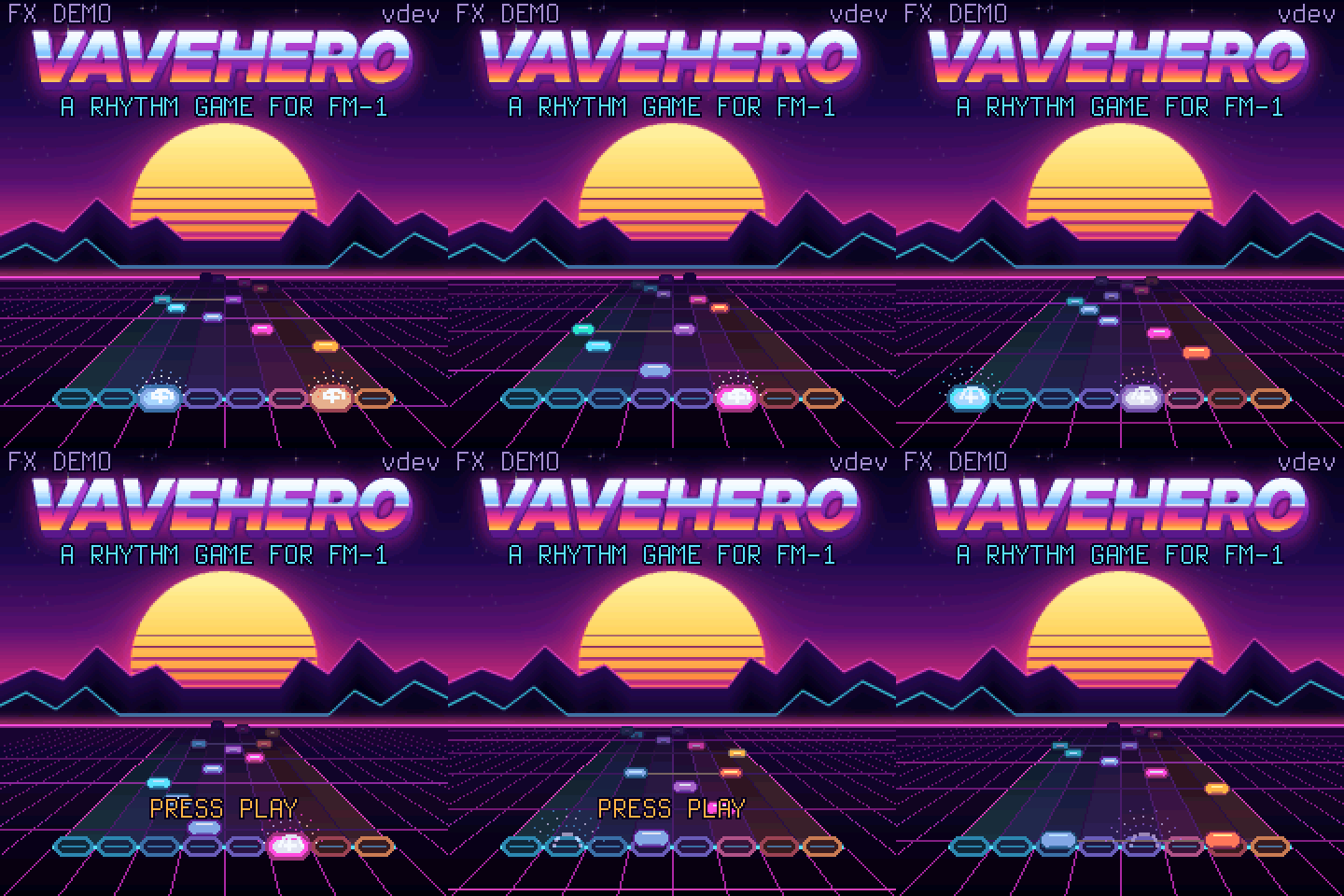
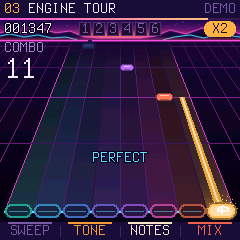
I've always loved rhythm games. Countless hours with apps, in Japanese arcades and with Clone Hero, so this had to happen.
VaveHero takes this to the FM-1. Notes come down a neon highway, and you play them on the white keys while a synthwave band plays along, every sound made on the FM-1 itself.
A beta. It runs on a real FM-1. Its eight songs are generated demo songs, made to try the game out; real songs are welcome (how).
Install
- Open this page in Chrome or Edge on a computer.
- Connect the FM-1 directly with a USB data cable, and switch it on.
- Close other MIDI apps, tick the box and press Install.
Loading the firmware…
Log
It takes about a minute: do not unplug the cable. If it stops, replug and press Install again. If the FM-1 will not start, hold OCT− while switching it on, and install again. To go back to the official firmware, use M-VAVE's updater M-UPGRADE; if its sounds look wrong afterwards, use Reset Patches in its System menu. To move on to another custom firmware, go back to the official one first.
Playing it
| PLAY | Start a song, or pause it. On the title screen, FX plays a demo. |
| SELECT | Pick a song. Each song has its own level. |
| In a song | Play the notes on the white keys. OCT− and OCT+ when the song changes octave, FX for OP BOOST, HOME to quit. |
| FREE SOLO | Where the highway lights up, every key is yours: play what you like. |
| KNOB 2–4 | Your sound, the speed for practice, and the mix. |
| ALGORITHM | GRIT: how dirty the sound is. |
| GLO | SPREAD: every other white key, for big fingers. |
| SEQ | AUTO: the song plays itself. |
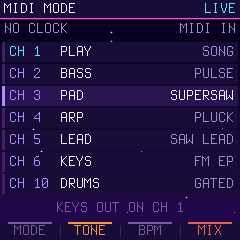
| MIDI MODE | The last song in the list: the FM-1 as a sound module for your DAW. |
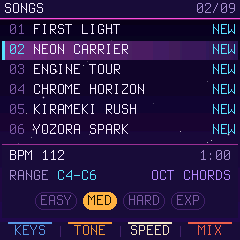
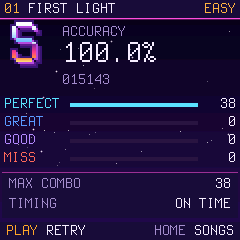
Play it in the browser
No FM-1? Play it in the browser, with the computer keyboard or a MIDI keyboard.
Play VaveHero in the browserYour songs in VaveHero
A song is an ordinary MIDI file: channel 1 is the part you play, the other channels are the band. Try yours in the browser version, then send it in an issue on GitHub. Your own songs only, not covers, and say that it may be shared under the GPL-3.0. How to make one: making your own songs.
More
- The source on GitHub
- Download the firmware file (
.fwsc), or every version with its notes on the releases page - Try the firmware without an FM-1 in fm1-emu, an FM-1 emulator in the browser